Route accepted reviews to the database
What Knative features will we learn about?
- Trigger and Broker
- Route events by their type and the
badwordfilterextension
What does the final deliverable look like?
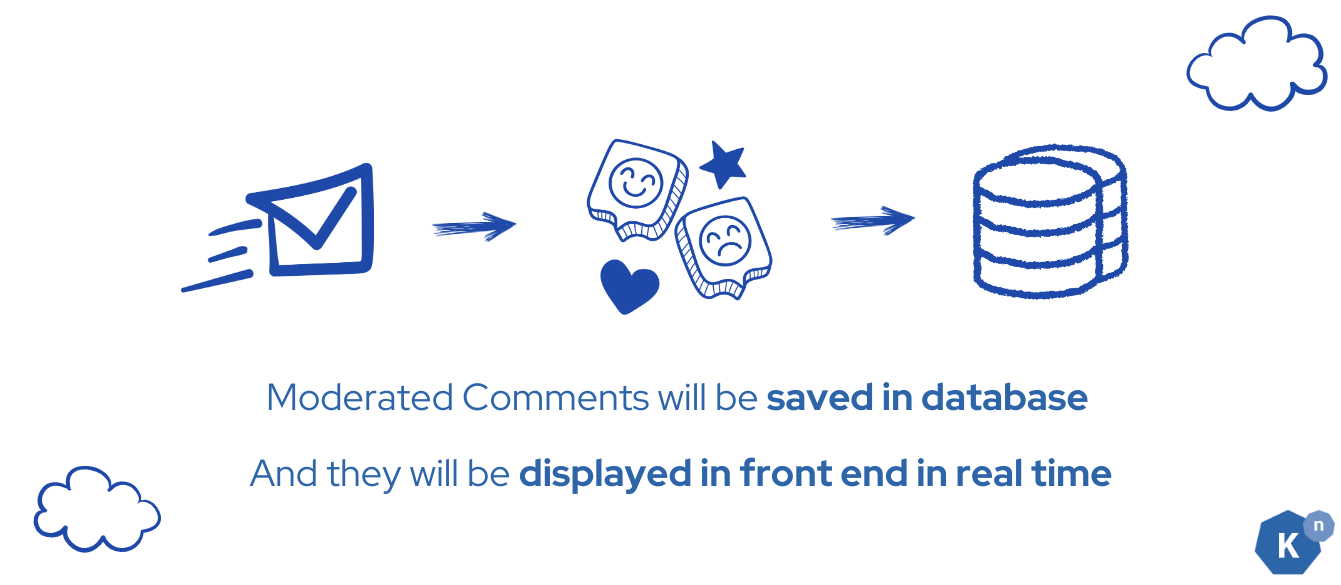
- A Trigger routes processed events already returned to the Broker by the Sequence to the backend's
/insertendpoint. - The backend stores reviews with
type: moderated-commentandbadwordfilter: goodin PostgreSQL. - The comments that don't contain bad words will show up in the UI, and the sentiment will be displayed as emoji.
Starting state: You have initialized PostgreSQL and seen its seeded comments. The Sequence returns moderated-comment events to bookstore-broker. Run commands from start in the same default namespace.
Implementation
Step 1: Create the Trigger for database insertion
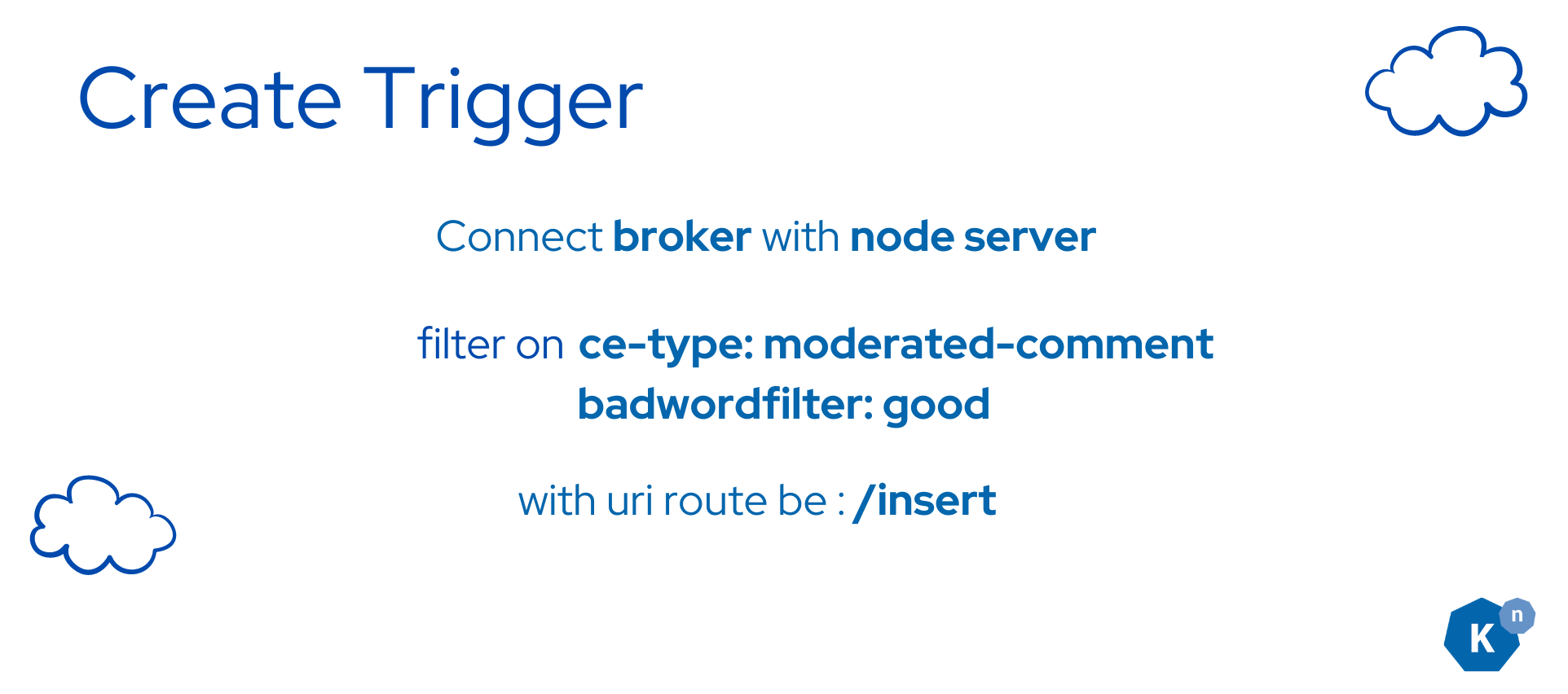
Append the following Trigger configuration to the existing node-server/config/200-broker.yaml file and then apply:
Append to node-server/config/200-broker.yaml
---
apiVersion: eventing.knative.dev/v1
kind: Trigger
metadata:
  name: db-insert-trigger
spec:
  broker: bookstore-broker
  filter:
    attributes: # Trigger will filter events based on BOTH the type and badwordfilter attribute
      type: moderated-comment # This is the filter that will be applied to the event, only events with the ce-type moderated-comment will be processed
      badwordfilter: good # This is the filter that will be applied to the event, only events with the ce-extension badwordfilter: good will be processed
  subscriber:
    ref:
      apiVersion: v1
      kind: Service
      name: node-server-svc
    uri: /insert # This is the path where the event will be sent to the subscriber, see /insert in node-server code: index.js
kubectl apply -f node-server/config/200-broker.yaml
After applying the configuration, you should see
broker.eventing.knative.dev/bookstore-broker unchanged
trigger.eventing.knative.dev/db-insert-trigger created
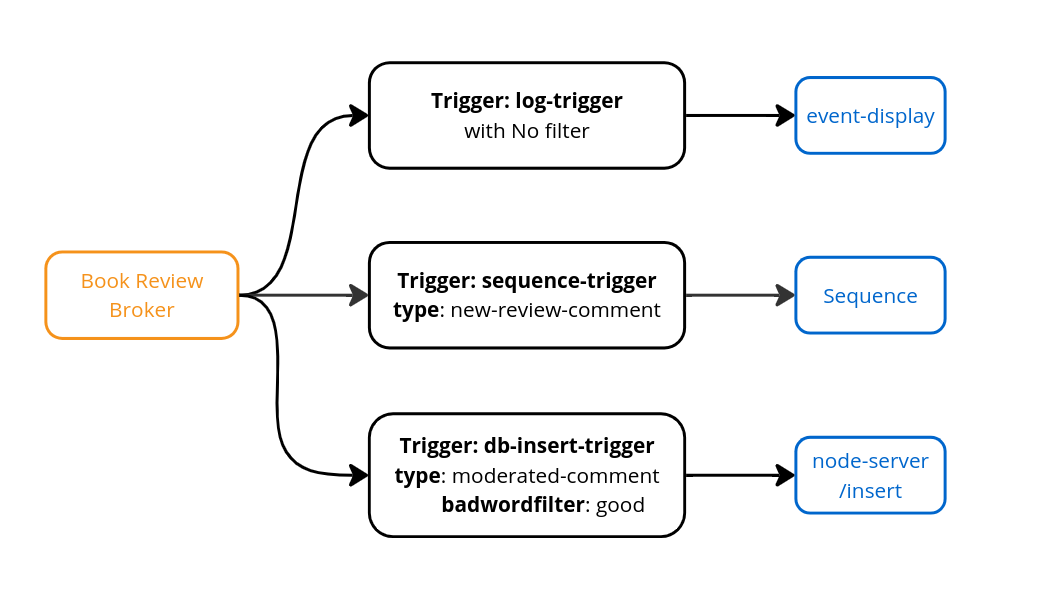
So far, the Triggers you created in your cluster should look like the following:
Verify
Run the following command to check if the Trigger is created successfully:
kubectl get triggers
You should see the Trigger in ready state:
NAME                BROKER             SUBSCRIBER_URI                                                       AGE     READY   REASON
db-insert-trigger   bookstore-broker   http://node-server-svc.default.svc.cluster.local/insert              5h32m   True
sequence-trigger    bookstore-broker   http://sequence-kn-sequence-0-kn-channel.default.svc.cluster.local   5h30m   True
log-trigger         bookstore-broker   http://event-display.default.svc.cluster.local                       5h32m   True
Verification
Verify the whole core path with a new review:
- Watch the event-display logs:
kubectl logs -l app=event-display -f. - In the frontend, submit a distinctive review, for example
I love Knative so much — core tutorial test. - Find its
moderated-commentevent in the logs. InspectbadwordfilterandsentimentResult; the classifier, not the human description of the text, determines routing. - If
badwordfilterisgood, confirm that this review appears in the UI with a sentiment emoji. You can also checkkubectl logs deployment/node-serverforReview inserted:followed by the review text. - For an event classified as
bad, confirm it is logged but does not appear as a newly inserted review. Slack delivery is not configured by the core tutorial.
If a good processed event is logged but not displayed, check kubectl describe trigger db-insert-trigger, backend logs, and database readiness. Use Events do not reach a subscriber for route/readiness/filter checks, or Events repeatedly fail delivery if you have a dispatch error. A Ready Trigger alone is not proof of successful insertion. Do not treat the sample's classifier as a reliable moderation system.
Stop the log watch with Ctrl+C. You have completed the core outcome: frontend → backend → Broker → Sequence → Broker → insertion Trigger → backend/database → frontend.
Next Step

The core Bookstore tutorial is complete. You can stop here without installing another operator or creating a Slack account.
- Clean up the disposable cluster when finished. This deletes the sample workloads and database data.
- Choose a Knative task or explanation to apply what you learned.
- Route matching events with a Trigger for another workload, or test retries and a dead-letter sink in an isolated namespace. These are follow-on tasks, not additional core lessons.
- Optionally inspect the Slack/Camel K integration recipe, which is pending runtime validation. It is not a required or verified next lesson.
- Try extra challenges if you prefer an open-ended exercise.
Previous: Deploy the database · Route: Bookstore overview